Dashboard
What the dashboard shows
The dashboard is the app's main screen, the first thing you see after signing in. It has two main parts: the hero card with your live reading and status, and the carousel of swipeable cards below it. The rest of the app is one tap away on the bottom navigation, or the sidebar on larger screens.
Reading the dashboard
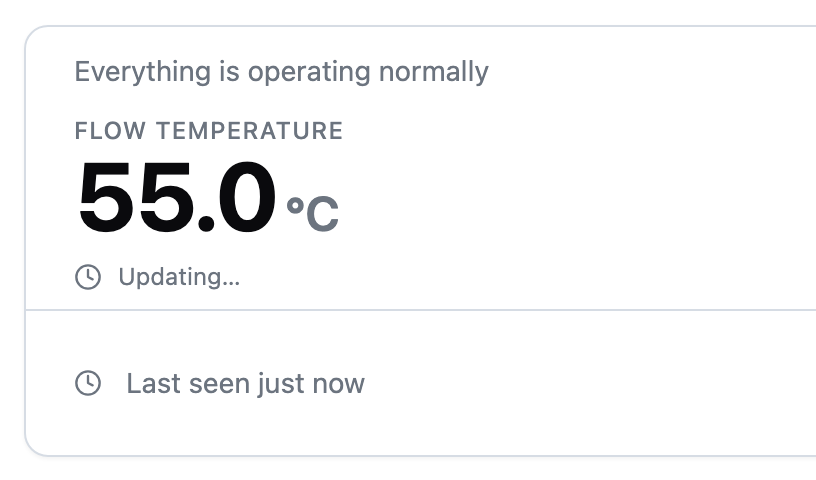
The hero card is the main reading on the dashboard. It has three parts:
- The reading. Shows the live water temperature and a short status line.
- The up-next row. Tells you what the device plans to do next: the next heating window, the time remaining on a boost, or a note that away is active.
- The footer. Shows when the device last reported in and which goal is active.
When your device is offline
Offline means the app cannot reach your device. The status badge switches to Offline and figures stay at their last known values.
Controls such as Boost are unavailable while offline. Changes you make to Away apply once the device reconnects.
Frequently asked questions
Why does the energy cost card say there is no cost data?
Cost is calculated from your device's power readings and your tariff. Set up a tariff first, then allow a little time for readings to arrive.
Why are the boost and away buttons greyed out?
Both buttons are unavailable while your device is offline. Boost is also unavailable while away is on, because away pauses heating; turn away off first.