Goals
What goals do
Goals tell your device how to balance cost and comfort when it heats. You choose from four options: Savings, Balanced, Comfort, or Schedule. You find the goal selector by tapping the goal pill on the dashboard hero card.
Choosing a goal
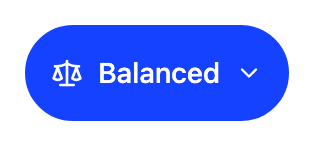
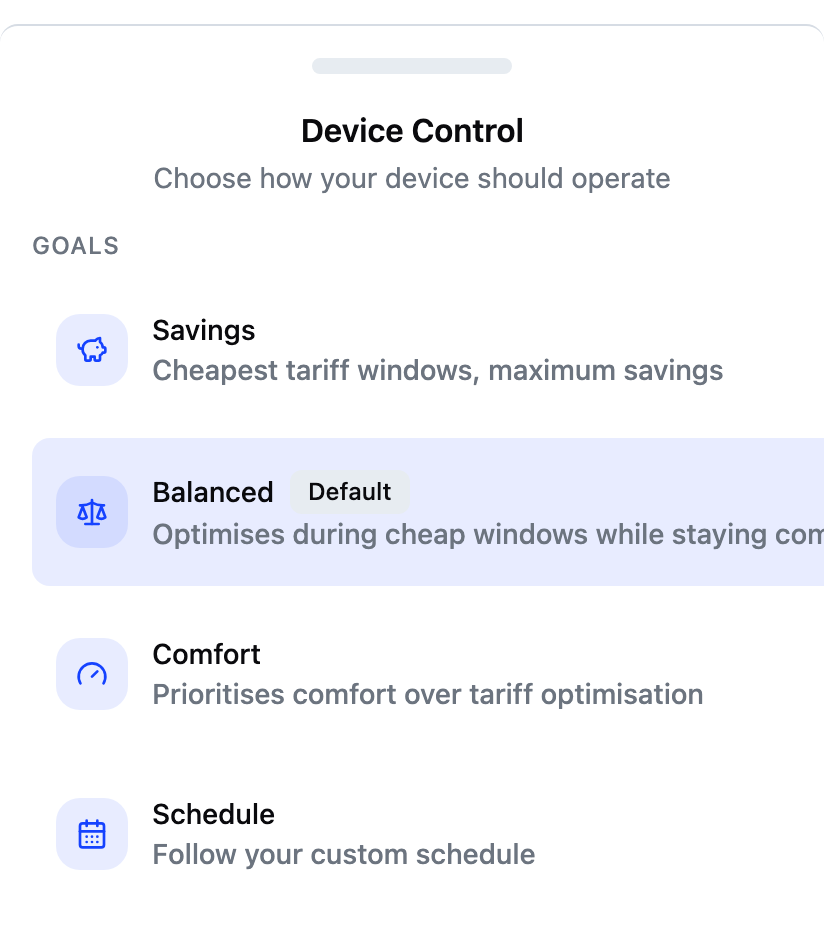
Tap the goal pill on the dashboard to open the selector. There are four goals to choose from:
- Savings. Heats during the cheapest windows of your tariff, for the lowest cost.
- Balanced. The default. Heats during cheap windows while keeping you comfortable.
- Comfort. Puts comfort first and tariff savings second.
- Schedule. Follows the heating times you set yourself.
Your choice applies as soon as you tap it.
Picking the Schedule goal
Schedule needs a schedule to follow. If you have not created one yet, the app opens the schedule editor first, and the goal switches on once you save. If a schedule already exists, the goal applies immediately and the app shows your schedule list.
How goals affect the dashboard
The up-next row under the main reading reflects your goal:
- Automatic goals (Savings, Balanced and Comfort) show the next planned heating window as read-only information.
- The Schedule goal shows the next window from your own schedule, and tapping it opens the schedule editor. A window that is running now also names what it is heating, where your device reports that.
Not every device can say which function a window serves. Where yours cannot, the row says only that it is heating.
Frequently asked questions
Which goal is the default?
Balanced. It heats during cheap tariff windows while keeping you comfortable, and it is marked Default in the goal selector.
Can I change goals while a boost is running?
Not directly. While a boost or away is active, the goal pill opens those controls instead of the goal selector. Cancel the boost or turn away off first, then pick the new goal.
Does switching goals delete my schedule?
No. Your schedule is saved when you switch to an automatic goal. It simply stops running. Pick Schedule again to resume it.